Earlier this year, I mentioned that I load every phishing URL I’m sent to see what it does and whether it tries to use any interesting new techniques.
While Edge’s “Enhanced Security Mode” reduces the risks of 0-day attacks against the browser itself, another great defense available for enterprise users is Microsoft Defender Application Guard. AppGuard allows you to run a protected Edge instance inside a virtual machine container that aims to prevent any damage to your system, even if the browser is compromised by an exploit.
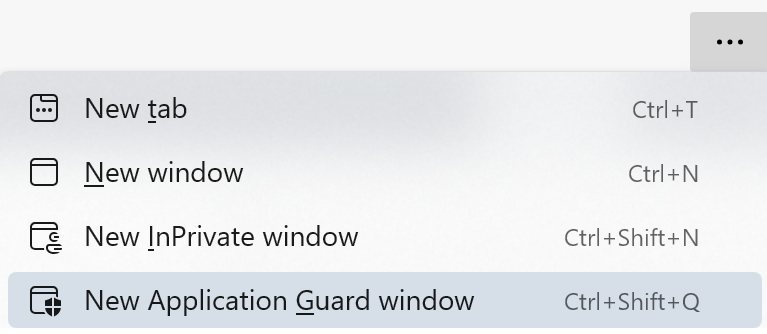
You can get a new AppGuard window easily, using the “New Application Guard Window” command on Edge’s … menu:
…or you can launch a specific URL directly in AppGuard using the command line argument --ms-application-guard=https://example.com
I’ve configured SlickRun with a MagicWord that launches a site in AppGuard like so:

When handling toxic sites, use as much protection as you can!
-Eric
 text/plain