One unfortunate (albeit entirely predictable) consequence of making HTTPS certificates “fast, open, automated, and free” is that both good guys and bad guys alike will take advantage of the offer and obtain HTTPS certificates for their websites.
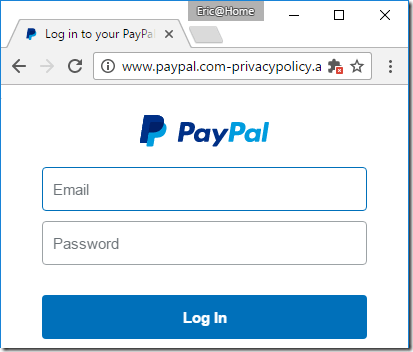
Today’s bad guys can easily turn a run-of-the-mill phishing spoof:
…into a somewhat more convincing version, by obtaining a free “domain validated” certificate and lighting up the green lock icon in the browser’s address bar:

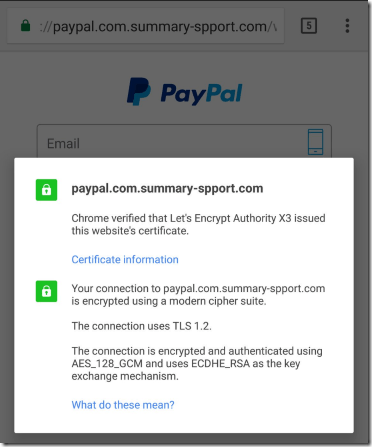
The resulting phishing site looks almost identical to the real site:
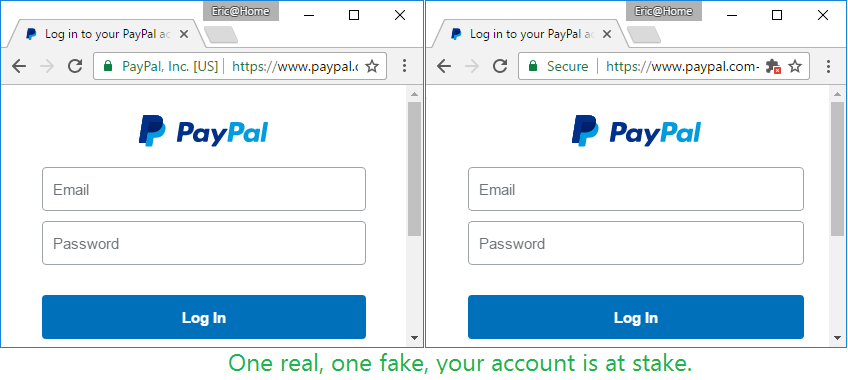
By December 8, 2016, LetsEncrypt had issued 409 certificates containing “Paypal” in the hostname; that number is up to 709 as of this morning. Other targets include BankOfAmerica (14 certificates), Apple, Amazon, American Express, Chase Bank, Microsoft, Google, and many other major brands. LetsEncrypt validates only that (at one point in time) the certificate applicant can publish on the target domain. The CA also grudgingly checks with the SafeBrowsing service to see if the target domain has already been blocked as malicious, although they “disagree” that this should be their responsibility. LetsEncrypt’s short position paper is worth a read; many reasonable people agree with it.
The “race to the bottom” in validation performed by CAs before issuing certificates is what led the IE team to spearhead the development of Extended Validation certificates over a decade ago. The hope was that, by putting the CAs name “on the line” (literally, the address line), CAs would be incentivized to do a thorough job vetting the identity of a site owner. Alas, my proposal that we prominently display the CAs name for all types (EV, OV, DV) of certificate wasn’t implemented, so domain validated certificates are largely anonymous commodities unless a user goes through the cumbersome process of manually inspecting a site’s certificates. For a number of reasons (to be explored in a future post), EV certificates never really took off.
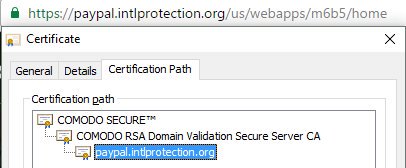
Of course, certificate abuse isn’t limited to LetsEncrypt—other CAs have also issued domain-validated certificates to phishing sites as well:
Who’s Responsible?
Unfortunately, ownership of this mess is diffuse, and I’ve yet to encounter any sign like this:

Blame the Browser
The core proposition held by some (but not all) CAs is that combatting malicious sites is the responsibility of the user-agent (browser), not the certificate authority. It’s an argument with merit, especially in a world where we truly want encryption for all sites, not just the top sites.
That position is bolstered by the fact that some browsers don’t actively check for certificate revocation, so even if LetsEncrypt were to revoke a certificate, the browser wouldn’t even notice.
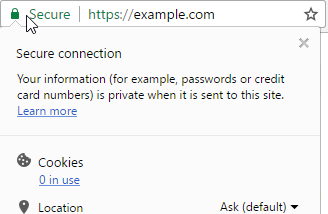
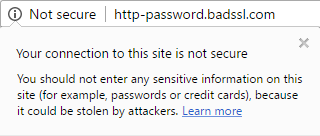
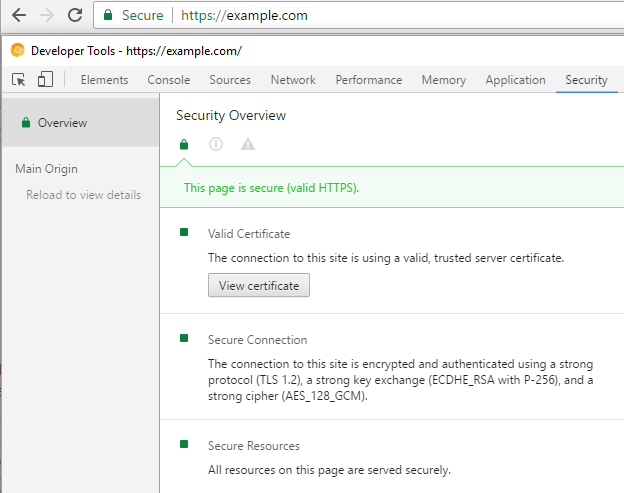
Another argument is that browsers overpromise the safety of sites by using terms like Secure in the UI—while the browser can know whether a given HTTPS connection is present and free of errors, it has no knowledge of the security of the destination site or CDN, nor its business practices. Internet Explorer’s HTTPS UX used to have a helpful “Should I trust this site?” link, but that content went away at some point. Security wording is a complicated topic because what the user really wants to know (“Is this safe?”) isn’t something a browser can ever really answer in the affirmative. Users tend to be annoyed when you tell them only the truth– “This download was not reported as not safe.”
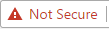
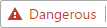
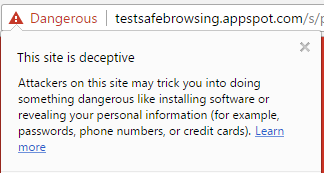
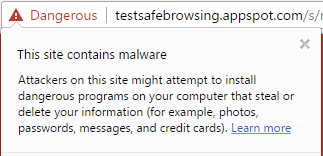
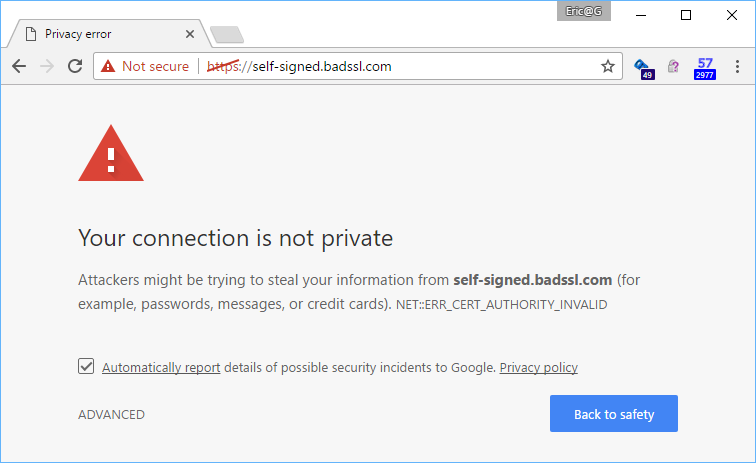
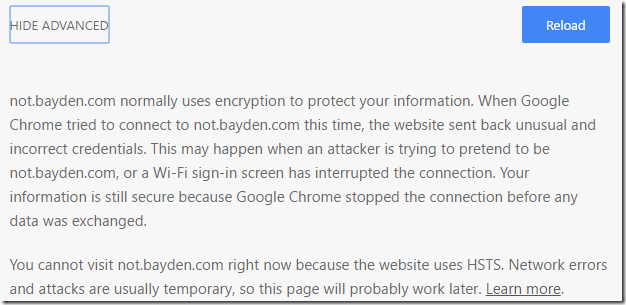
The obvious way to address malicious sites is via phishing and malware blocklists, and indeed, you can help keep other users safe by reporting any unblocked phish you find to the Safe Browsing service; this service protects Chrome, Firefox, and Safari users. You can also forward phishing messages to scam@netcraft.com and/or PhishTank. Users of Microsoft browsers can report unblocked phish to SmartScreen (in IE, click Tools > SmartScreen > Report Unsafe Website). Known-malicious sites will get the UI treatment they deserve:
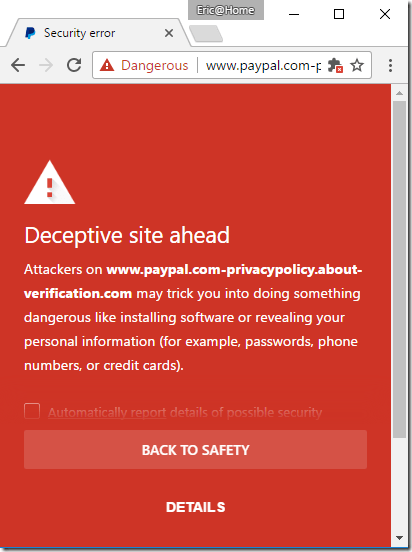
Unfortunately, there’s always latency in block lists, and a phisher can probably turn a profit with a site that’s live less than one hour. Phishers also have a whole bag of tricks to delay blocks, including cloaking whereby they return an innocuous “Site not found” message when they detect that they’re being loaded by security researchers’ IP addresses, browser types, OS languages, etc.
Blame the Websites
Some argue that websites are at fault, for:
- Relying upon passwords and failing to adopt unspoofable two-factor authentication schemes which have existed for decades
- Failing to adopt HTTPS or deploy it properly until browsers started bringing out the UI sledgehammers
- Constantly changing domain names and login UIs
- Emailing users non-secure links to redirector sites
- Providing bad security advice to users
Blame the Humans
Finally, many lay blame with the user, arguing user education is the only path forward. I’ve long given up much hope on that front—the best we can hope for is raising enough awareness that some users will contribute feedback into more effective systems like automated phishing block lists.
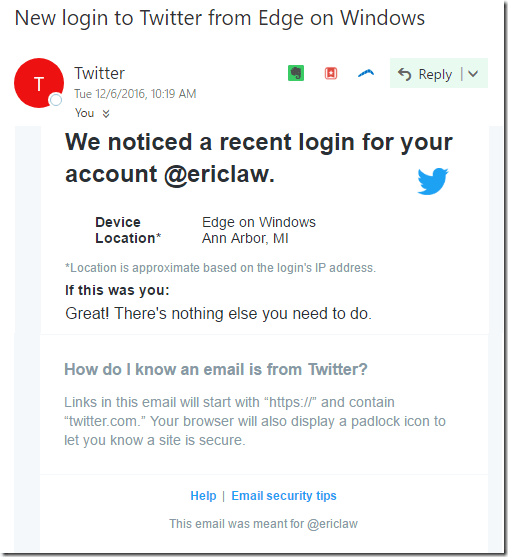
We’ve had literally decades of sites and “experts” telling users to “Look for the lock!” when deciding whether a site is to be trusted. Even today we have bad advice being advanced by security experts who should know better, like this message from the Twitter security team which suggests that https://twitter.com.access.info is a legitimate site.
Where Do We Go From Here?
Unfortunately, I don’t think there are any silver bullets, but I also think that unsolvable problems are the most interesting ones. I’d argue that everyone who uses or builds the web bears some responsibility for making it safer for all, and each should try to find ways to do that within their own sphere of control.
Following is an unordered set of ideas that I think are worthwhile.
Signals
Historically, we in the world of computers have been most comfortable with binary – is this site malicious, or is it not? Unfortunately, this isn’t how the real world usually works, and fortunately many systems are moving more toward a set of signals. When evaluating the trustworthiness of a site, there are dozens of available signals, including:
- HTTPS Certificates
- Age of the site
- Has the user visited this site before
- Has the user stored a password on this site before
- Has the user used this password before, anywhere
- Number of visitors observed to the site
- Hosting location of the site
- Presence of sensitive terms in the content or URL
- Presence of login forms or executable downloads
None of these signals is individually sufficient to determine whether a site is good or evil, but combined together they can be used to feed systems that make good sites look safer and evil sites more suspect. Suspicious sites can be escalated for human analysis, either by security experts or even by crowd-sourced directed questioning of ordinary users. For instance, see the heuristic-triggered Is This Phish? UI from Internet Explorer’s SmartScreen system:
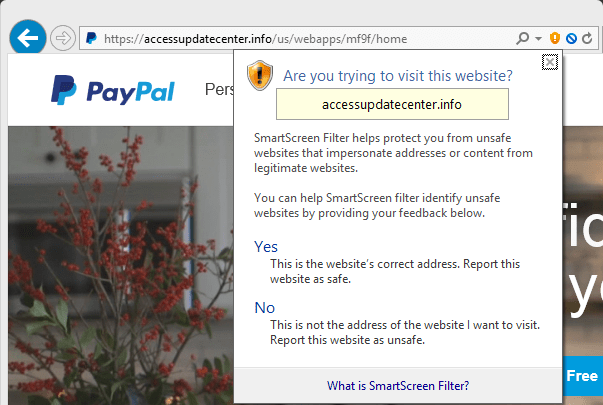
The user’s response to the prompt is itself a signal that feeds into the system, and allows more speedy resolution of the site as good or bad and subject to blocking.
One challenge with systems based on signals is that, while they grow much more powerful as more endpoints report signals, those signal reports may have privacy implications for individual users.
Reputation
In the real world, many things are based on reputation—without a good reputation, it’s hard to get a job, stay in business, or even find a partner.
In browsers, we have a well-established concept of bad reputation (your site or download appears on a block list) but we’ve largely pushed back against the notion of good reputation. In my mind, this is a critical failing—while much of the objection is well-meaning (“We want a level playing field for everyone”), it’s extremely frustrating that we punish users in support of abstract ideals. Extended Validation certificates were one attempt at creating the notion of good reputation, but they suffered from the whims of CAs’ business plans and the legal system that drove absurdities like:

While there are merits to the fact that, on the web, no one can tell whether your site is a one-woman startup or a Fortune 100 behemoth, there are definite downsides as well.
Owen Campbell-Moore wrote a wonderful paper, Rethinking URL bars as primary UI, in which he proposes a hypothetical origin-to-local-brand mapping, which would allow browsers to help users more easily understand where they really are when interacting with top sites. I think it’s a long-overdue idea brilliant in its obviousness. When it eventually gets built (by Apple, Microsoft, Google, or some upstart?) we’ll wonder what took us so long. A key tradeoff in making such a system practical is that designers must necessarily focus on the “head” of the web (say, the most popular 1000 websites globally)– trying to generalize the system for a perfectly level playing field isn’t practical– just like in the real world.
Assorted
- Browsers could again make a run at supporting unspoofable authentication methods natively.
- Browsers could do more to take authentication out from the Zone of Death, limiting spoofing attacks.
- New features like Must-Staple will allow browsers to respond to certificate revocation information without a performance penalty.
- Automated CAs could deploy heuristics that require additional validation for certificates containing often-spoofed domains.For instance, if I want a certificate for paypal-payments.com, they could either demand additional information about me personally (allowing a visit from Law Enforcement if I turn out to be a phisher) or they could even just issue a certificate with a validity period a week in the future. The certificate would be recorded in CertificateTransparency logs immediately, allowing brand monitoring firms to take note and respond immediately if phishing is detected when the certificate became valid. Such systems will be imperfect (you need to handle BankOfTheVVest.com as a potential spoof of BankOfTheWest.com, for instance) but even targeting a few high-value domains could make a major dent.
Fight the phish!
-Eric
Update: Chris wrote a great post on HTTPS UX in Chrome.









 text/plain