Thursday, June 29, 2023; Day 0
Another night of rough sleep, but I got two solid blocks from 10:30p-1a and 4a-7:45a. I took a quick shower before heading to our last breakfast at the hotel. There was no omelette chef or hot buffet today, instead we were seated with some of our trekmates at a large table and provided with short menus. We both ordered our now customary omelettes and bacon and met the first of our new friends. First were a married couple, Sherri and Jason H., who were joined by their college friend Liza. In short order we met Matt, a USAF cargo pilot, and Amanda, a Navy doctor. We chatted as we ate.
After breakfast, at 9:30 we headed over to the hotel’s conference room to meet the rest of our group and our head guide, Respicius.
As folks streamed in, we met Norm, Amanda’s ex-Marine father, and Bob, another ex-Marine friend of Norm’s. Finally, we met Bob, a solo hiker from Florida, ex-Army. With two Jasons and two Bobs, we quickly named renamed Bob the Elder “Robert”, and left the Jason confusion aside for the moment. The ten of us sat around a long table to wait for our head guide to arrive.
While we wait, we learn that 6 out of the 10 in our hiking party had not yet received their duffel bags from the airline, and Jason was checking the Apple Airtag tracker and lamenting that it still showed their luggage in Amsterdam.
Respicius introduced himself and told us about his background. He’s summited 5 of the 7 continental peaks (Kili, Elbrus, Denali, Aconcagua, and Kosciuszko). A 52 year old father of four, he’s summited Kili “at least 500 times” (he stopped counting, but suspects over 1000) since 1997, hiking with trekkers aged 9 to 82. The rest of us take turns around the table to formally introduce ourselves.
- Matt (40) USAF Lt. Colonel is a Pilot of C-17s. He was slated to hike with his father-in-law (who’d summited with Respicius the year before), but who had to cancel his second visit. He described some of his outdoor experience, including Survival Evasion Resistance and Escape school.
- Jason H. (nickname: “Gadget”) is a former lawyer who now produced short films, including a super-bowl commercial. He and Sherri have two kids; their 16yo had come to Tanzania days ahead of them with a youth group who would be volunteering in a village, then climbing Kili on a different route days after us. In an amusing coincidence, my brother and I had probably seen him with his group at the airport while waiting for our shuttle to the hotel.
- Sherri is a lawyer and top executive for a major financial company. She’d summited Mount Baker the year before.
- Liza is a NYC health care lawyer, a former schoolmate of Jason and Sherri. She had some hiking experience before, but this was her biggest trip. She was in the middle of closing on a house.
- Robert (70) is an old Marine buddy of Norm’s. He would turn 70 on the day we summited.
- Norm (72) is a retired Marine Colonel. He’d completed 550 miles of the Appalachian trail with his daughter Amanda.
- Amanda (“Doc”) is a Doctor and US Navy Commander living in Japan. She’d completed the full Appalachian Trail in 2004, and climbed Mount Fuji ten years prior. She’d been a Marine before getting an MD and moving to the Navy.
- Robert (“Bob”) was in the Army until 2007; hiking solo, he had climbed St. Helens previously and was a property investor from Florida.
- Jason L. (45) introduced himself and mentioned that we were brothers. (I heard an audible “oh” and amused myself with the idea that some of our trekmates had been trying in vain to figure out our relationship.) He mentioned his past hikes, climbs, and ultramarathons.
- I (“REI”, 44) introduced myself and noted that to this point, I’d spent three nights outdoors in tents so far in my life, two of which were before the age of 13. Amidst the group’s laughter, I could see Respicius mentally flip the “Ah, I’ve found the weak link” bit on me.
It seemed like it was going to be an awesome group, and everyone was especially delighted that we’d unexpectedly had our own doctor coming along with us.
Respicius warns us that, as the head guide, he has the power to send any of us back down before the summit– if we develop any health concerns, we should report them immediately because sometimes they can be fixed before they become problems. A small pulse oximeter is passed around to get baseline readings. My starting PulseOx (Oxygen Saturation/Pulse) is 96%/63bpm.
At its peak before COVID, there were 65000 summit attempts per year. This year, in any given week, many hundreds of trekkers hike the mountain, with many more support staff. We learn that our support staff will be enormous– over 50 crew will join us ten. I was surprised to learn that many of our team had opted for the personal porter. (Technically, a personal porter is designated to carry your backpack, although most of our team still carried their own most of the time. After considering which aspects of the trip were challenging, I no longer felt like hiring a personal porter was “cheating”.)
Together, we eagerly pore over a map of the mountain trails as our route is explained.
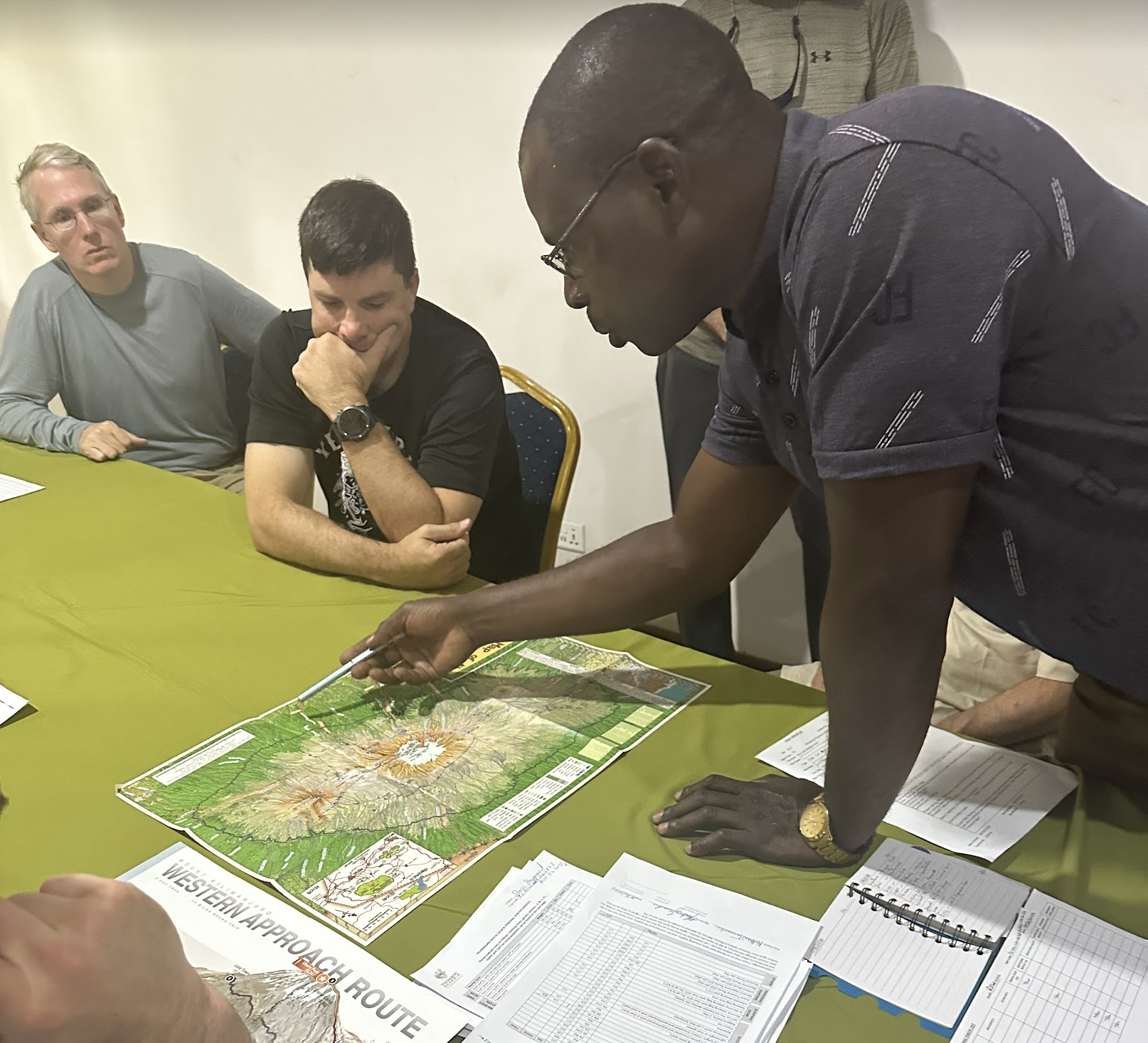

We’ll start in the west, curving around the south side of the crater before ascending in the east.

We all had to sign disclaimers and boilerplate paperwork, including papers from the government requiring that none of us were carrying over $100 in cash (in truth, each of us had over $600 in tips). The remainder of the meeting consisted of last minute gear tryouts and rentals from folks whose duffels were still pending arrival. Beyond the cost of renting gear, they’ll apparently have to pay porters to bring their duffels up the mountain whenever they do arrive — and the cost will depend on how many days late the bags are. Surely they will be here in just a day or so?

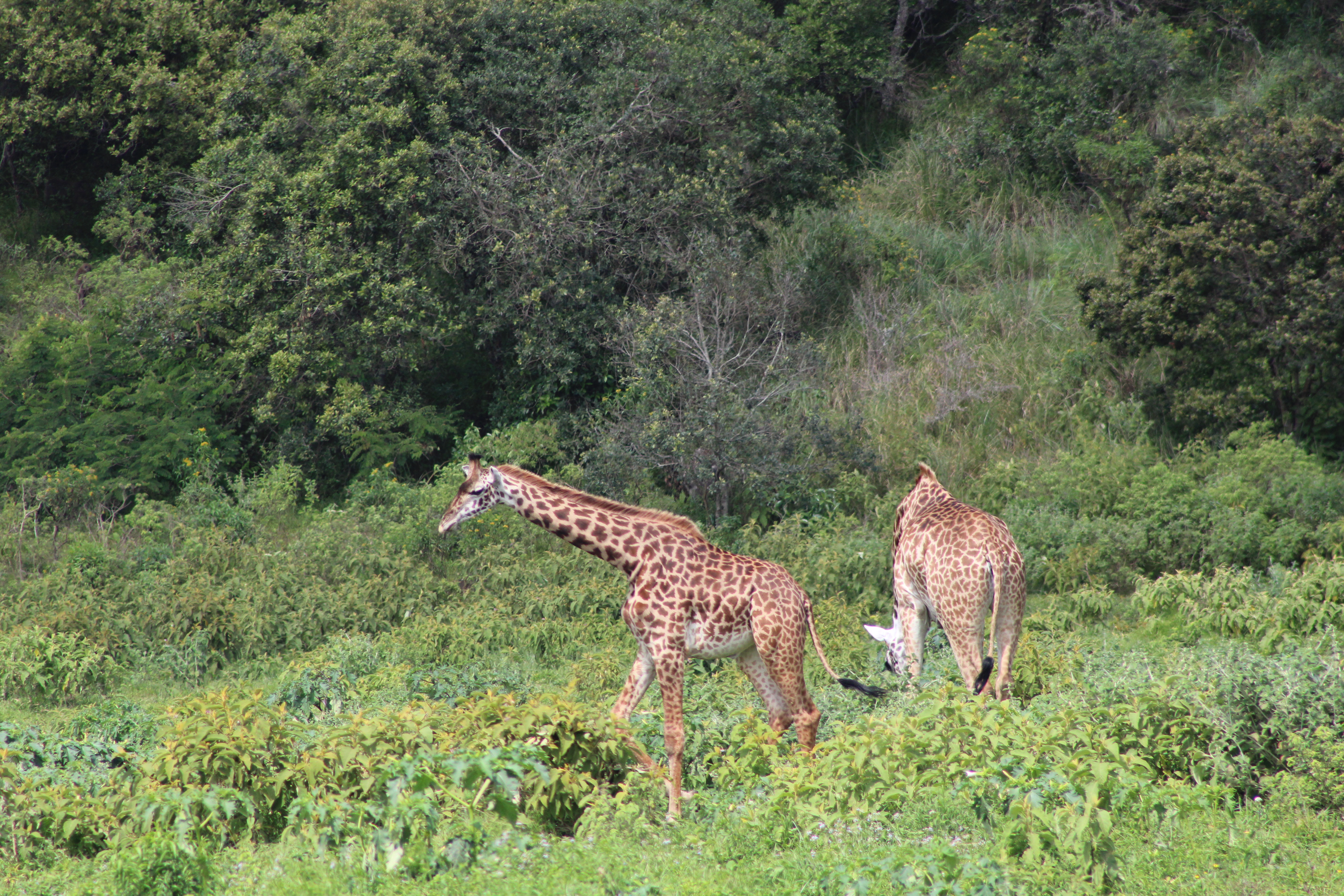
A bit behind schedule (meant to leave at 10a, we didn’t depart until 11:45), we grabbed all of our luggage and split up into the two Land Rovers for the drive (~45 minutes?) to Ndarakwai Ranch. After driving on paved roads for about 30 minutes, we turn off onto an unpaved dirt road and head into the countryside. There are grazing giraffes and later a small Maasai village alongside the road.


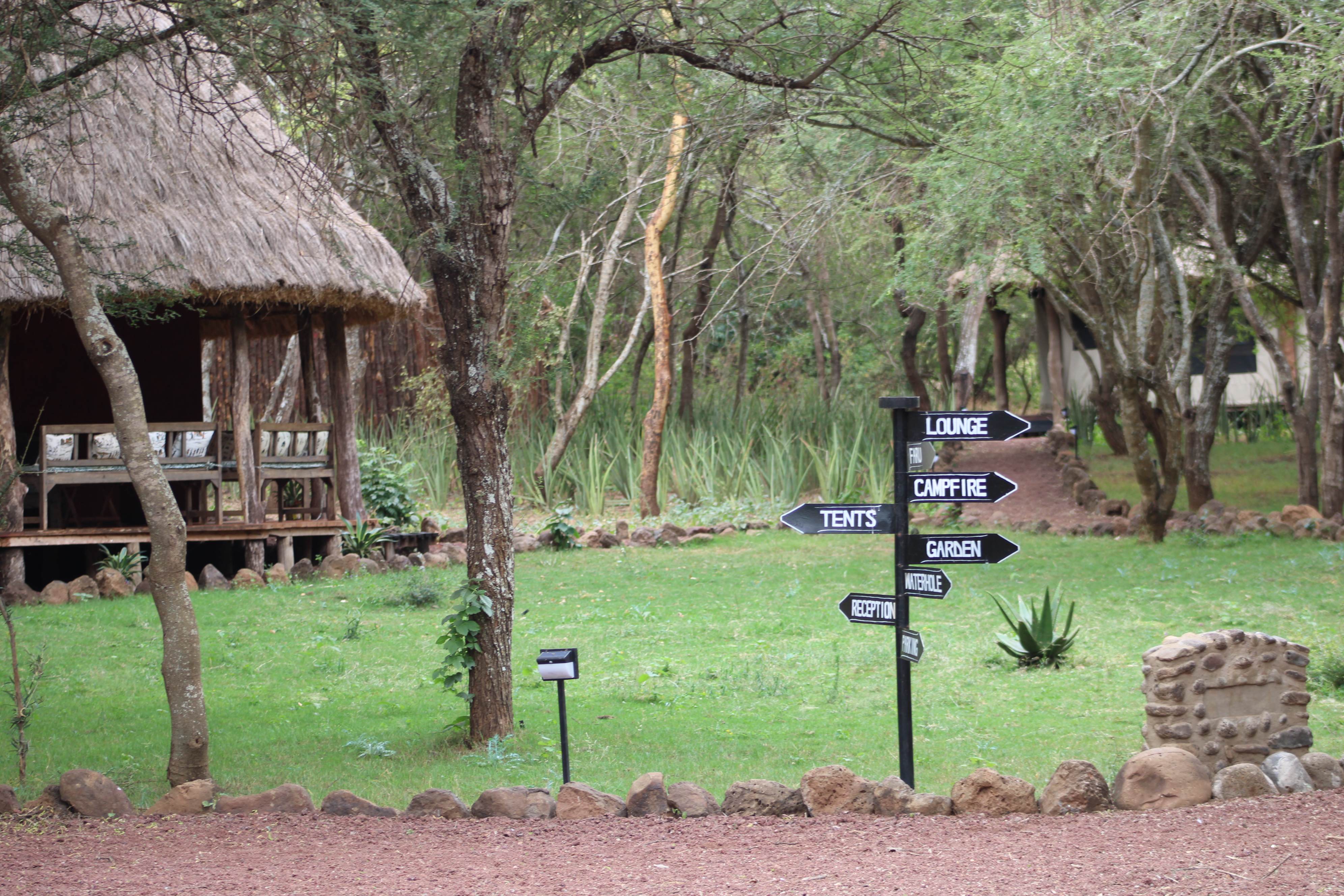
When we finally arrive at the lodge, the compound is scenic and very rustic, far away from the nearest paved road. We have a quick briefing in a mid-sized hut full of sofas where we get our private hut assignments and those of us with gear shed some of it to our new friends (mostly water bottles, bandanas, and smaller items not available for rent). In contrast to our trip so far, we see mosquitos around; not long after this I notice that I’ve gotten my first and only bite of the trip. I really hope my anti-malarial drug works!
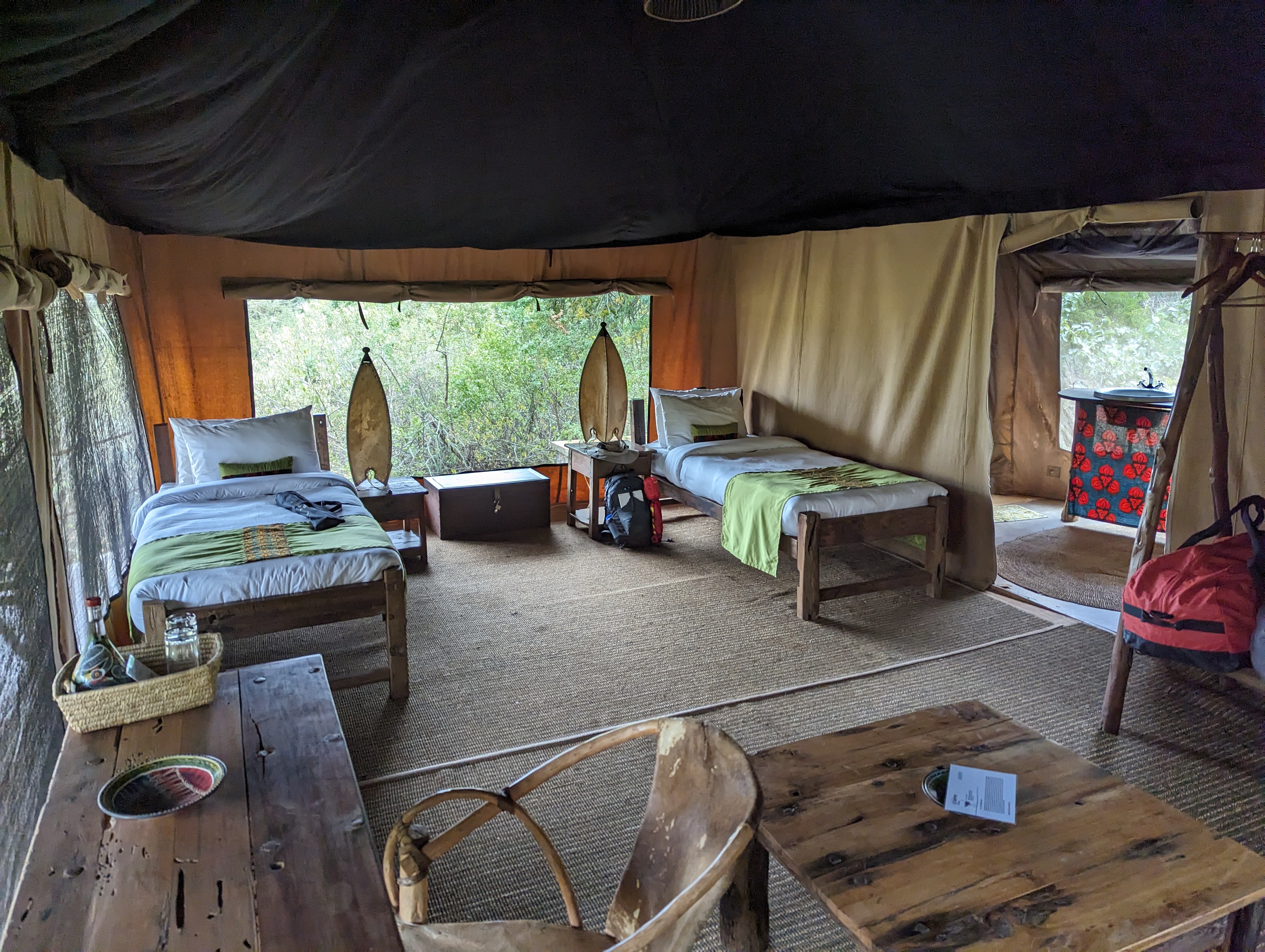
Jason and I are assigned to share the “Mbuni” (Ostrich) hut, a 2 minute walk up a gravel path from the center of the camp. It’s dreamy. A cool breeze crosses from one screened side to the other 15 feet away, and birds, monkeys, and other animals chirp and chitter pleasantly outside. Within its canvas walls, there’s a bathroom with a solar-heated shower, sink, and regular toilet. There are no power sockets, but there are two electric lamps and one bulb overhead in the bathroom area.


After dropping our bags, we meet with our team for lunch in the biggest common hut, which has a fireplace, sofas, a small bar, and a long table for meals.

At lunch, we meet one other Thomson trekker who is slated to meet her group and climb on a different route, two days after us.
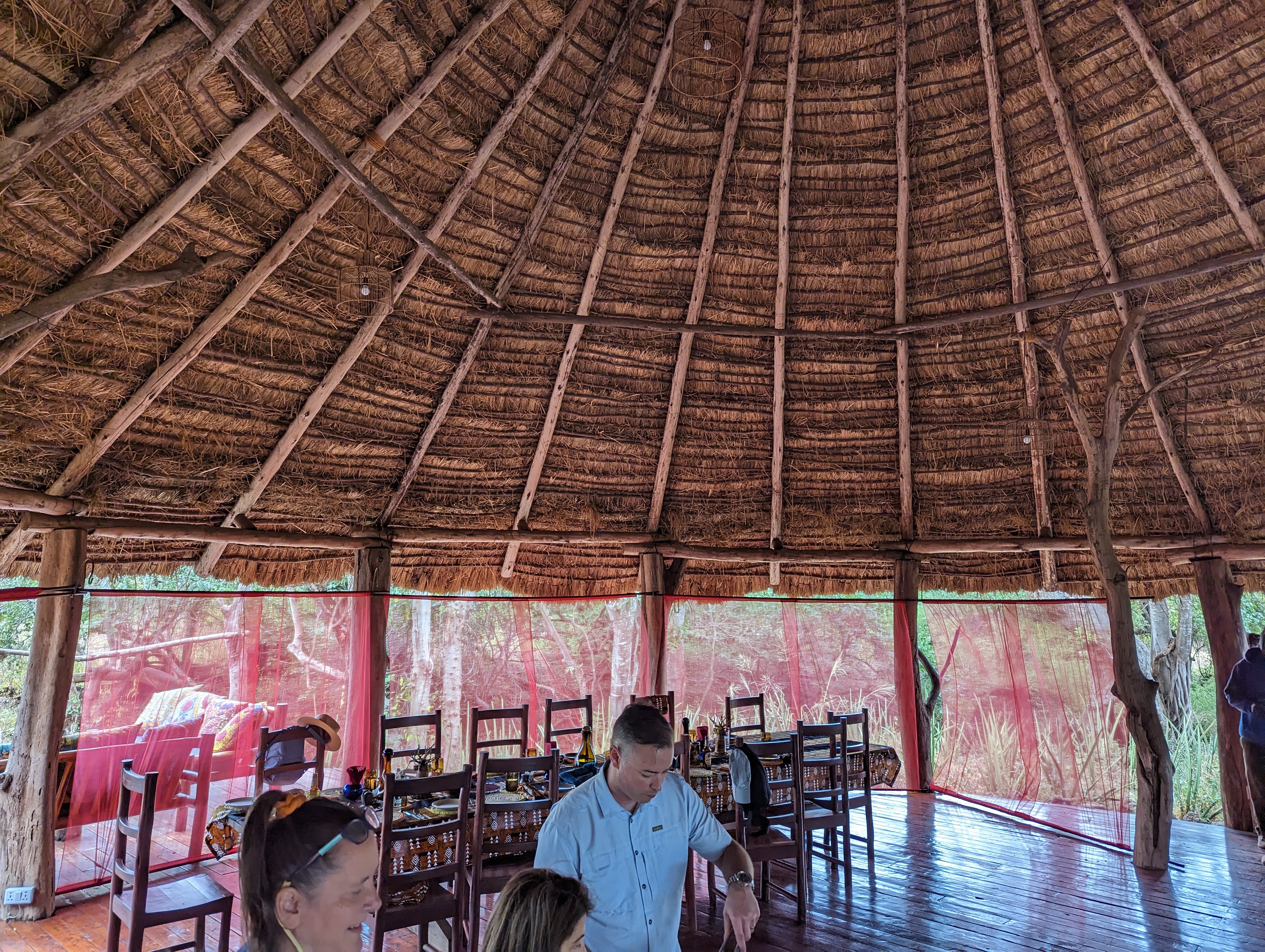
The group hut has power for USB chargers and a wifi router that doesn’t seem to work.

Lunch is tasty, including a salsa-packed avocado:

I pop over to the toilet hut and giggle a bit while recognizing that this is the last porcelain that I’m likely to see for a while.

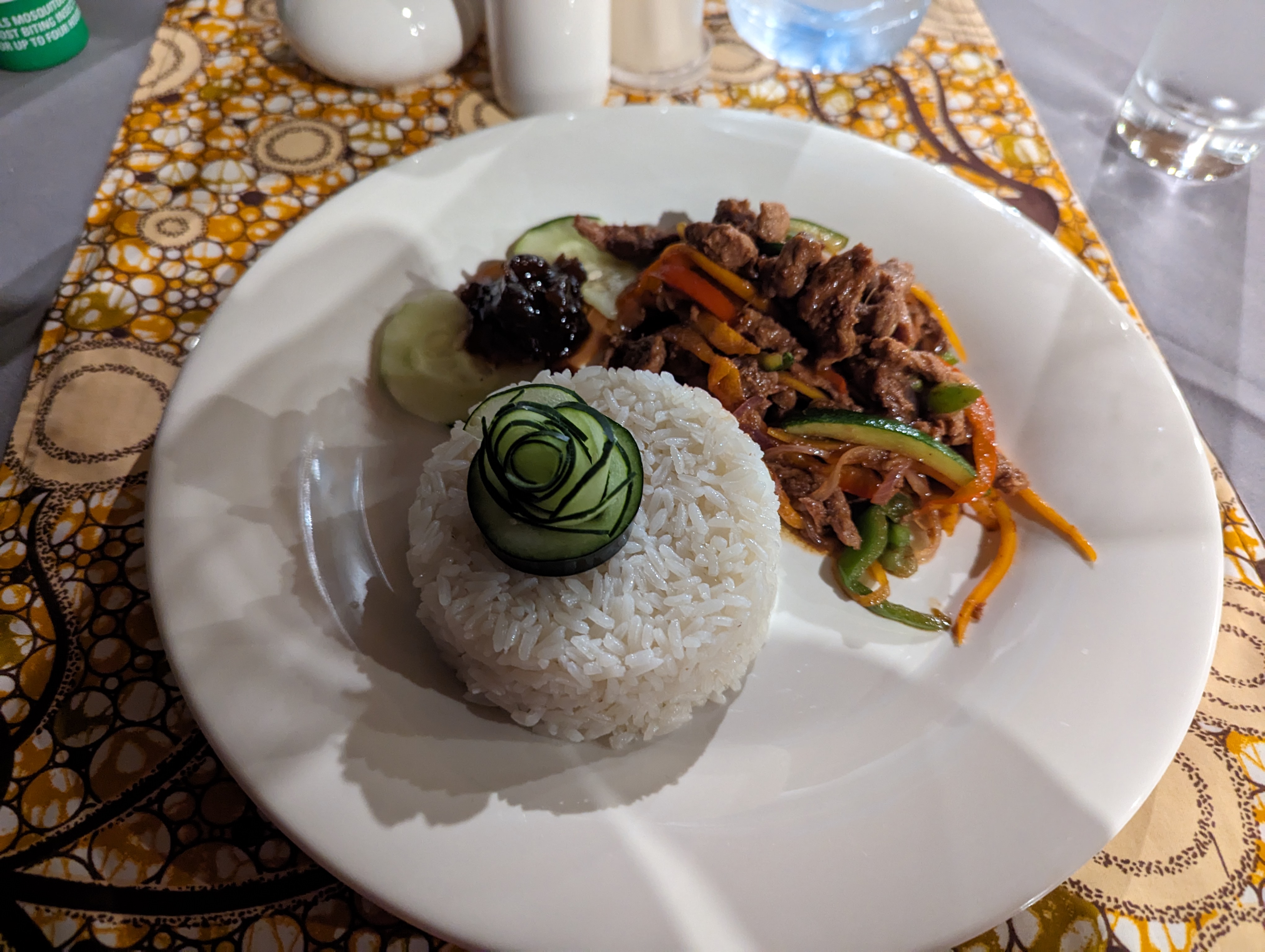
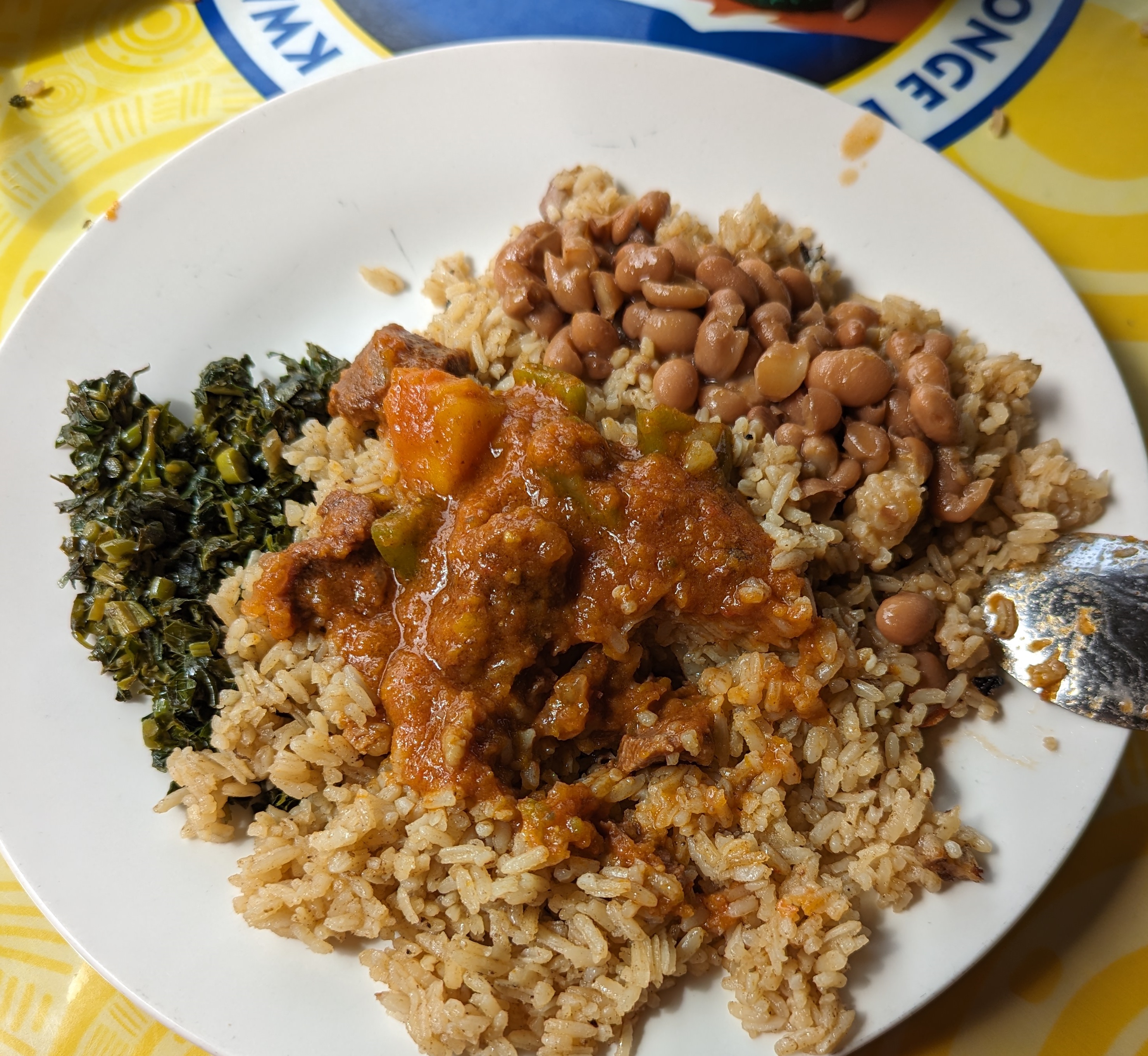
After a nice lunch (pork, and veggies over white rice) we have 90 minutes to relax before we reconvene for a “Safari walk” at 4:30pm. This is bliss, and crazy relaxing in a way that the hotel was not. I lay on the sofa in our hut and scrawl in my journal, musing that I could happily spend a week laying around with the sounds of nature all around and the screens keeping the mosquitos at bay. But I looked forward to the nature walk — it would be really cool to see some more wildlife, although I’d mostly given up hope of seeing an elephant.

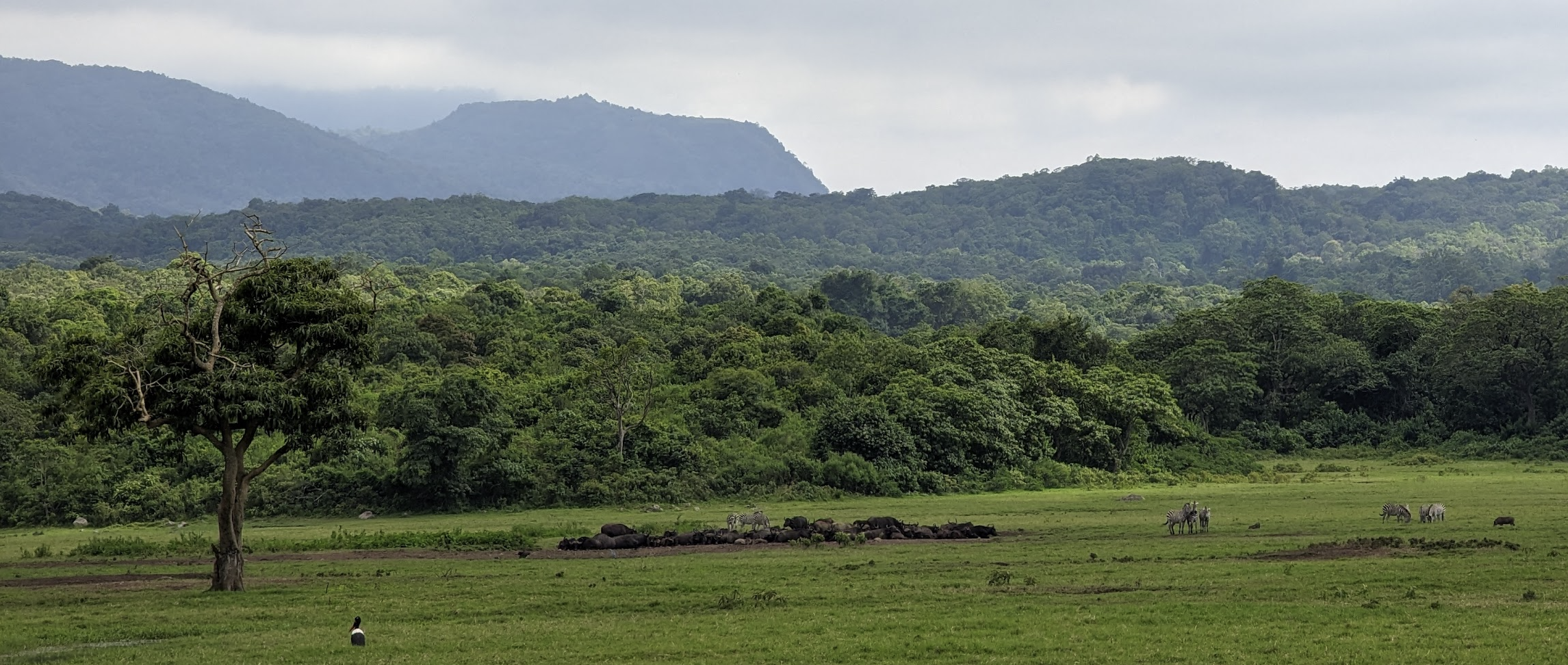
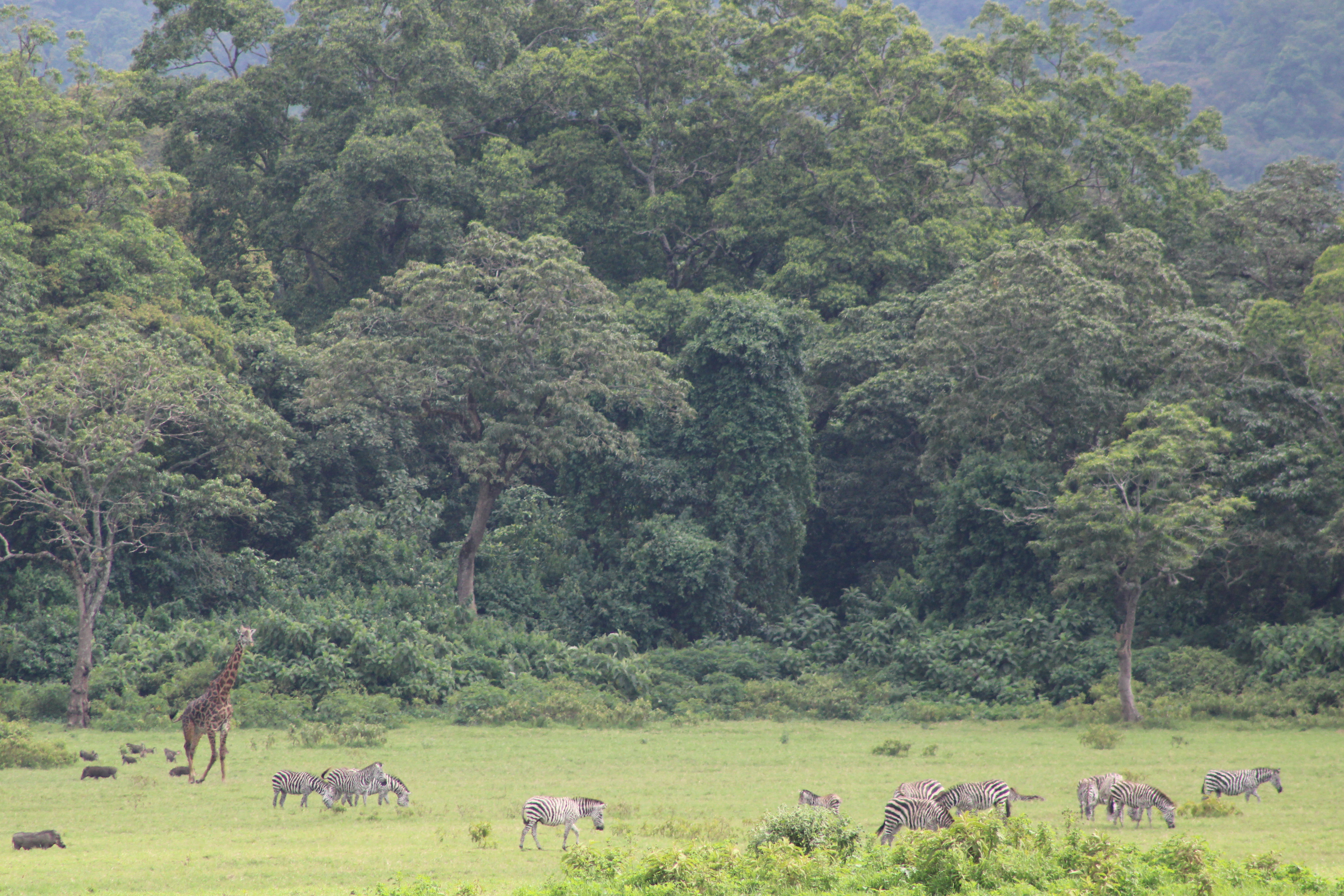
Bathed in DEET repellent and sunscreen, we excitedly meet with a guide from the Ranch and head out from the lodge to the adjacent grounds. The nature walk proves pleasant but not amazing– we get to see some animals up-close.


I was disappointed that we didn’t get to go up into the “treehouse” overlook mentioned on the itinerary; I assume this is what they were calling the treehouse:

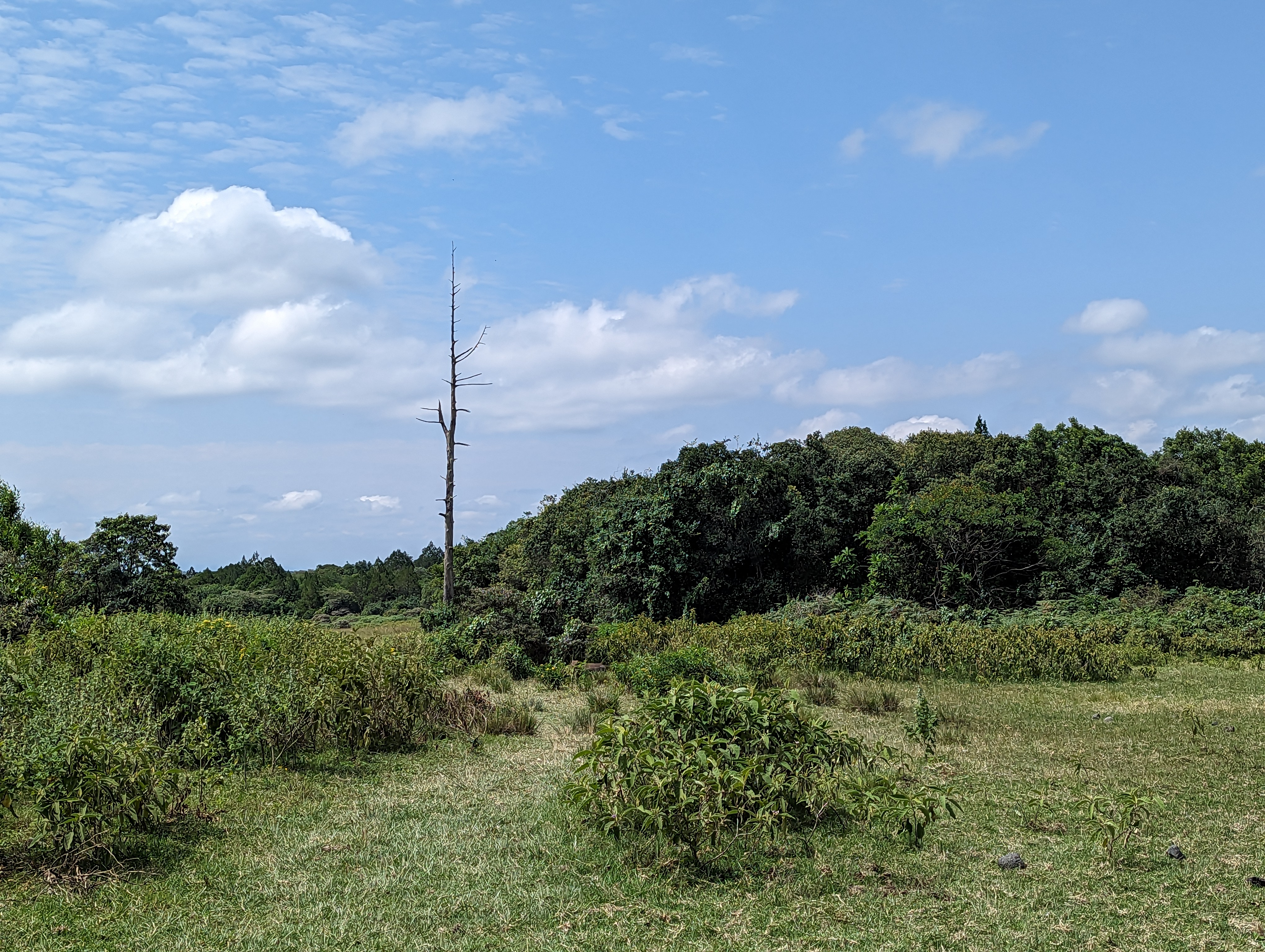
Beyond the animals, some of the trees were amazing and otherworldly.

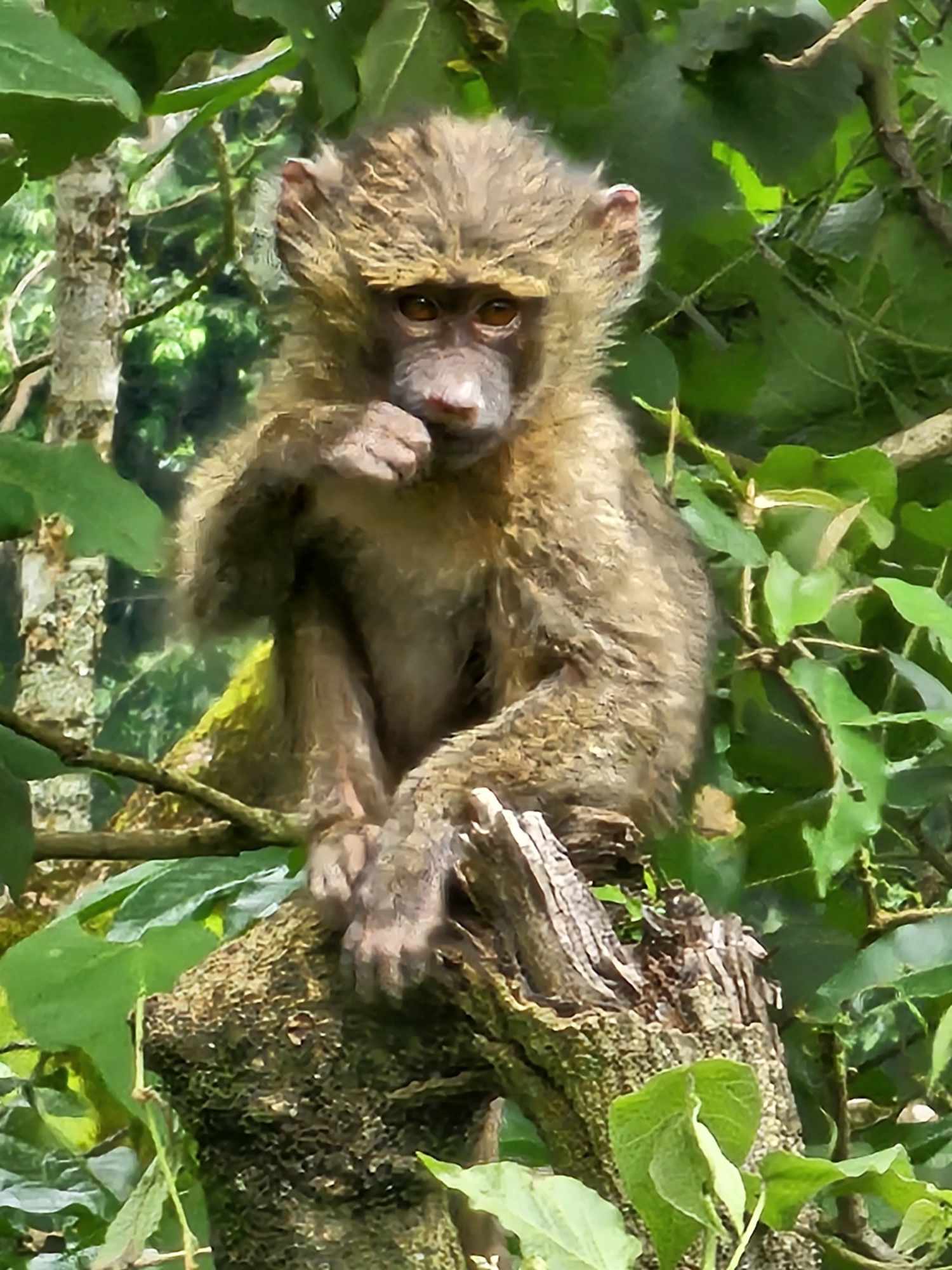
And some were occupied:

Perhaps the most interesting thing we encountered was a group of kids herding goats just before dark.
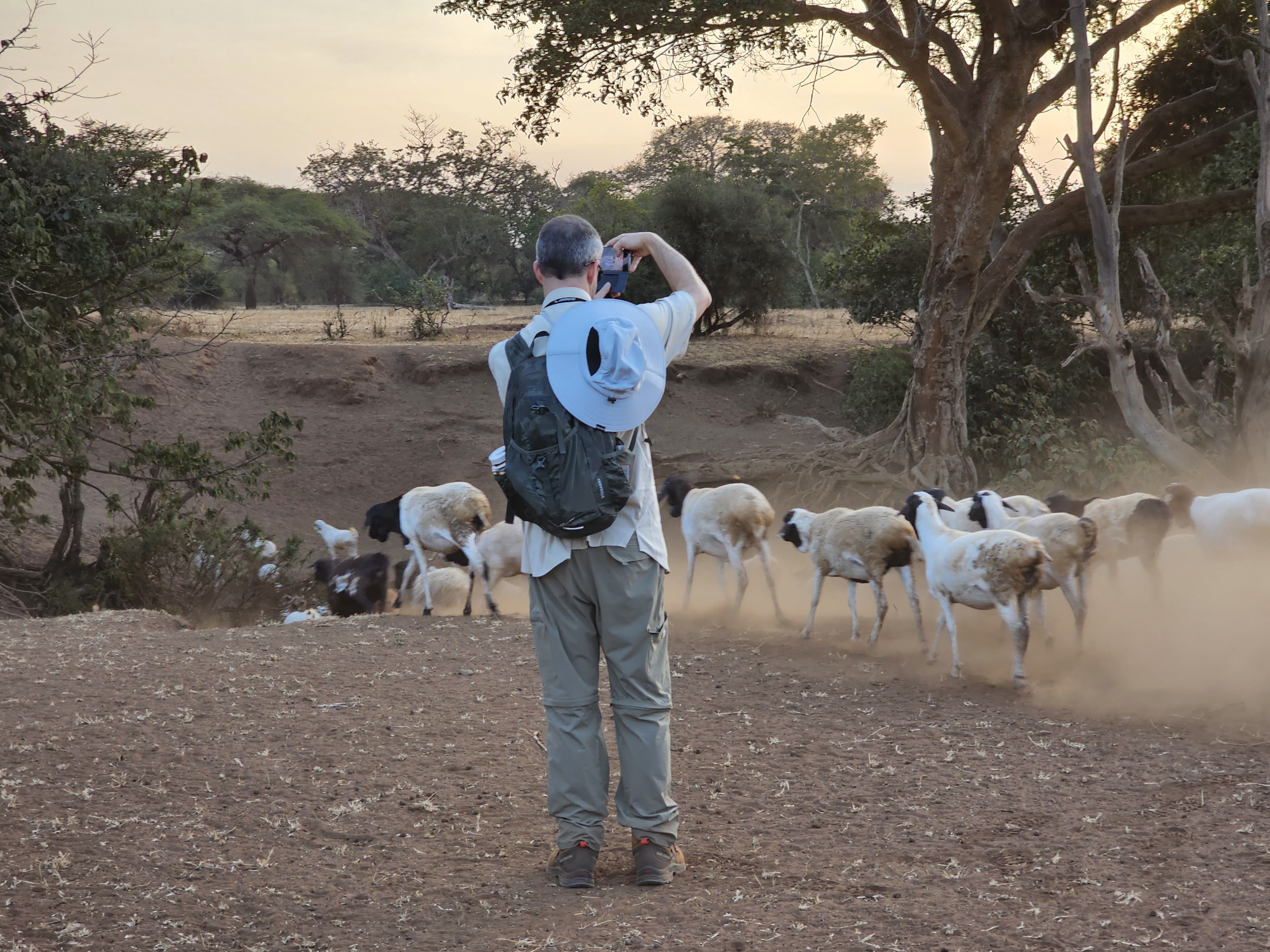
Around fifteen minutes before we got back to camp, we get to see the sun descend over the horizon in a beautiful sunset whose majesty neither of my cameras managed to capture.

Frustratingly, (but by this point, predictably) cloud cover meant that we couldn’t get a view of Kili for the entire walk.
After dusting off and dropping stuff back in our private hut, we meet again in the common hut for dinner (soup, salad, meat, rice) and hang out in the dark. Some of our group watch the feeding of a “bush baby”, but I mostly miss it.
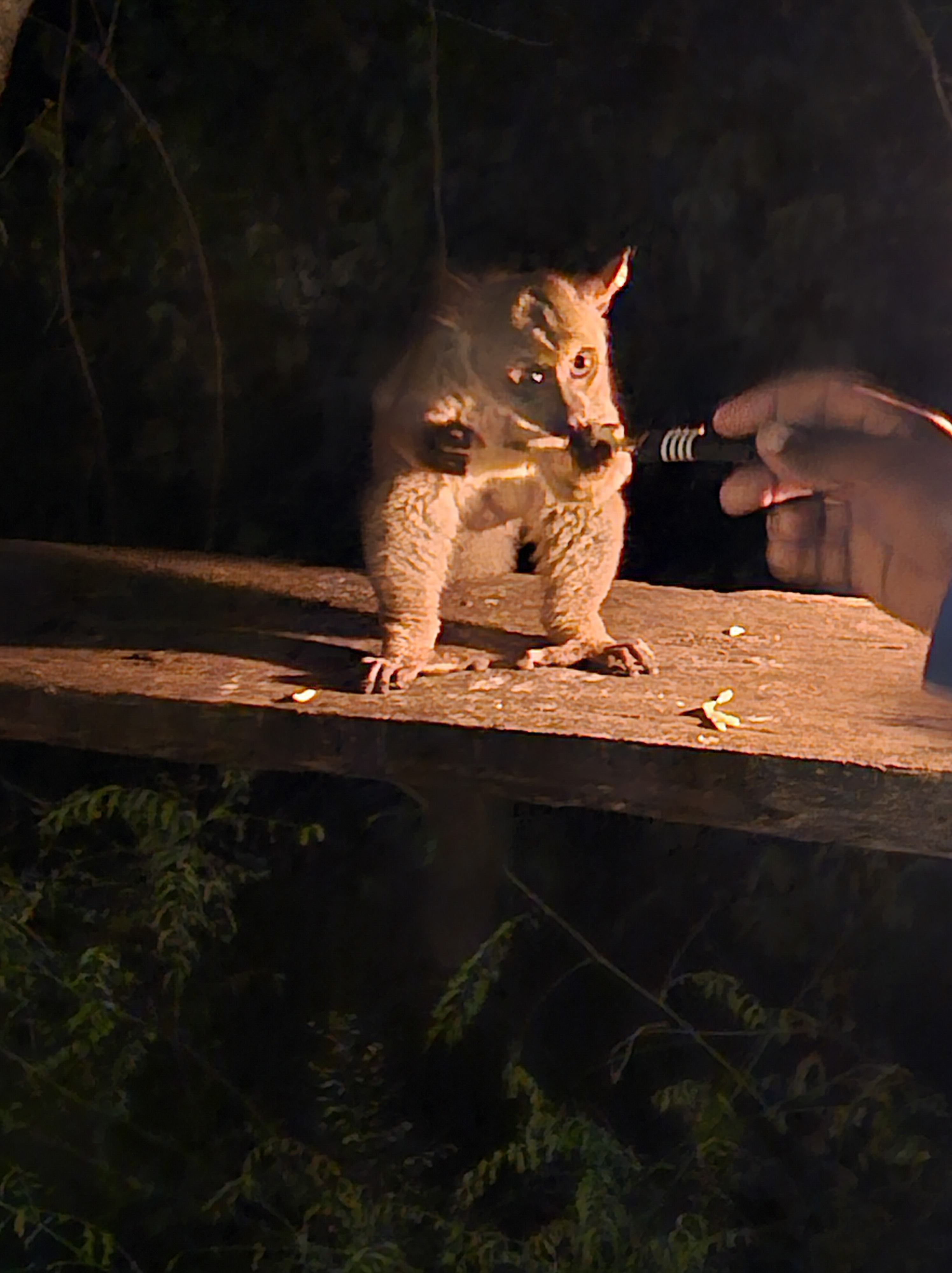
Post-dinner, some folks hang out on the sofas in front of the fireplace chatting about the adventure to come (with a long discussion about strategies for Diamox dosing), but the group breaks up before too late as we head back to our huts to sleep.
It would’ve been wildly romantic under different circumstances. :)
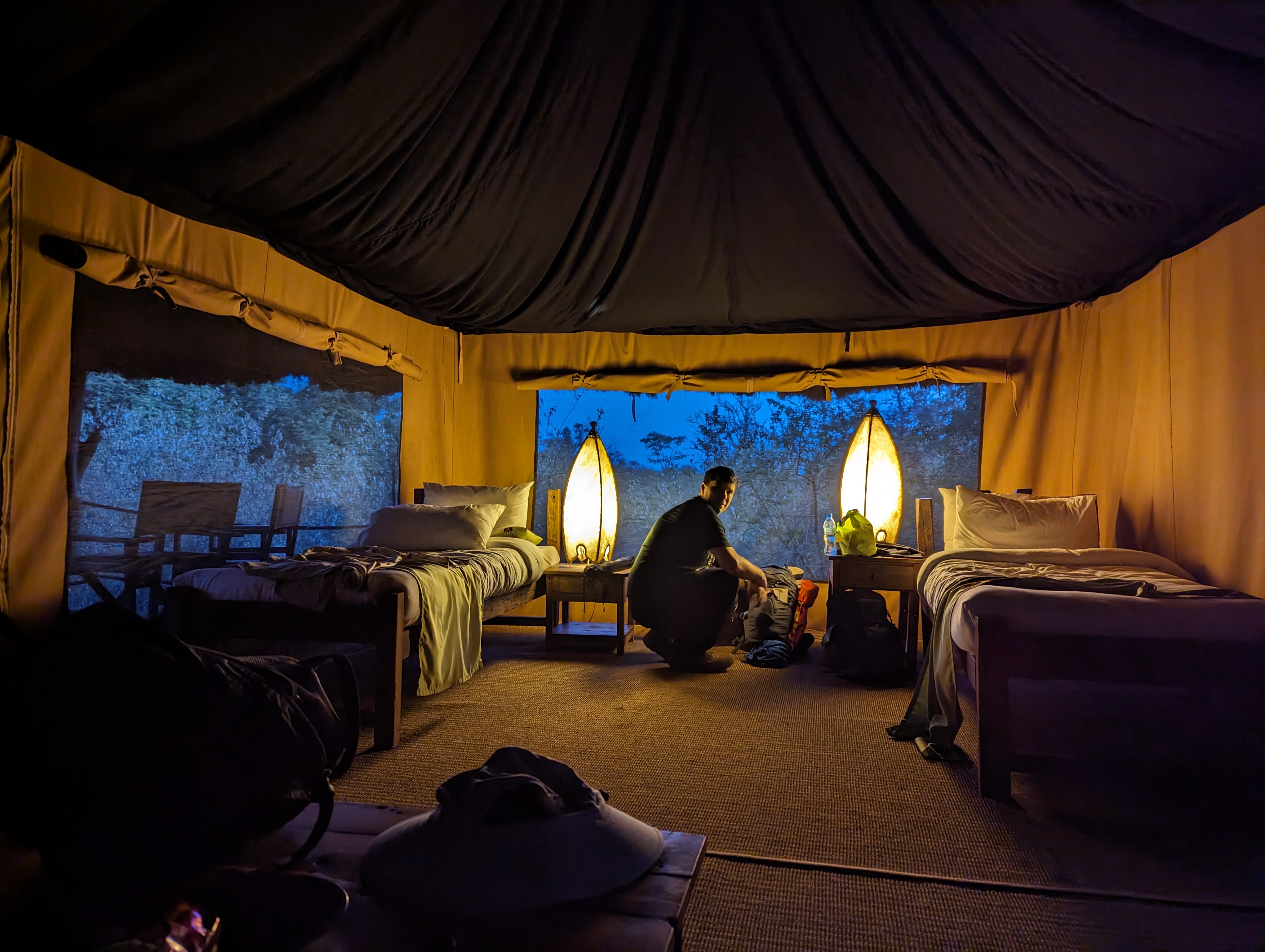
As the temperature had dropped into the 50s, we rolled down the canvas beside my bunk and snuggled into our beds under the warm covers. These beds were more comfortable than those in the hotel, and I had high hopes of finally getting great sleep. We turned out the lamps around 9pm.
Tomorrow was going to be a huge day!

































 text/plain